
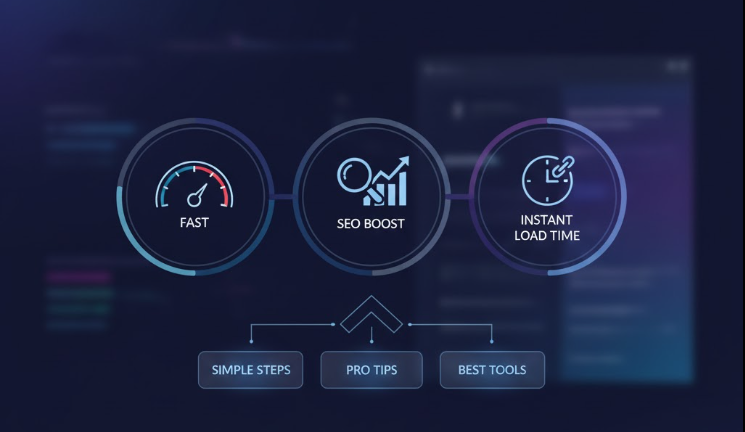
High-quality visuals boost engagement — but unoptimized images silently destroy website speed, SEO performance, and user experience. Modern websites, blogs, and eCommerce stores cannot afford that. This is where tools like PhotoOptimize become essential.
Below is a complete, strategic breakdown of why image compression matters and when you should absolutely use a tool like PhotoOptimize.
Why Image Compression Tools Matter
1. Faster Page Load Speed
Images typically make up 60–70% of total page weight.
When these files are large, your site slows down, increasing bounce rate and hurting rankings.
Compressed images load 2×–5× faster, improving the overall page experience.
2. Better SEO & Higher Google Rankings
Google rewards fast websites.
By reducing image size without losing quality, PhotoOptimize helps you achieve:
-
Higher Core Web Vitals scores
-
Better mobile rankings
-
Stronger overall domain performance
Search engines now measure real user experience, and optimized images directly improve those metrics.
3. Reduced Bandwidth & Hosting Costs
If you run a blog, news portal, or eCommerce store, your server handles thousands of image requests daily.
Compressed images mean:
-
Less bandwidth usage
-
Faster server response
-
Lower hosting stress
This is especially critical for shared hosting or cloud servers with bandwidth limits.
4. Better User Experience
Visitors expect instant loading. If your site feels slow, they leave.
Optimized images deliver:
-
Faster interaction
-
Smooth scrolling
-
Crisp visuals with no pixelation
This directly improves session duration and conversion rates.
When You Should Use PhotoOptimize
1. Before Uploading Images to Your Website
Every image — banner, thumbnail, product photo, featured image — should be optimized before uploading. This prevents future speed issues and keeps your media library lightweight.
2. When Publishing Blog Posts or News Articles
Content-heavy websites rely on visual storytelling. But large images slow down page speed dramatically.
Use PhotoOptimize especially for:
-
Featured images
-
Article thumbnails
-
Infographics
-
Screenshot-heavy tutorials
Your page will load faster and rank better.
3. For E-Commerce Product Photos
Product images are often high resolution and heavy.
Without compression, your product pages will lag — costing you sales.
Optimizing product photos helps:
-
Boost checkout speed
-
Reduce bounce rate
-
Improve mobile shopping experience
4. When Designing Landing Pages or Ads
Landing pages must load within 2 seconds to maximize conversions.
Large, uncompressed hero images kill performance.
Always optimize:
-
Landing page banners
-
Ad creatives
-
Promotional visuals
This gives you a competitive edge in paid campaigns as well.
5. When Preparing Images for Social Media or Email
Emails with large images land in spam more often and load poorly on mobile.
Compressed images ensure:
-
Faster loading
-
Higher engagement
-
Better mobile performance
PhotoOptimize maintains quality while shrinking size — perfect for newsletters and social posts.
Final Thoughts
Images make your website beautiful — but if unoptimized, they become silent performance killers.
Tools like PhotoOptimize solve this problem instantly by:
-
Reducing file size
-
Preserving quality
-
Improving speed
-
Boosting SEO
-
Enhancing user experience
If you care about rankings, conversions, or professional-quality web performance, image compression is no longer optional — it’s essential.