
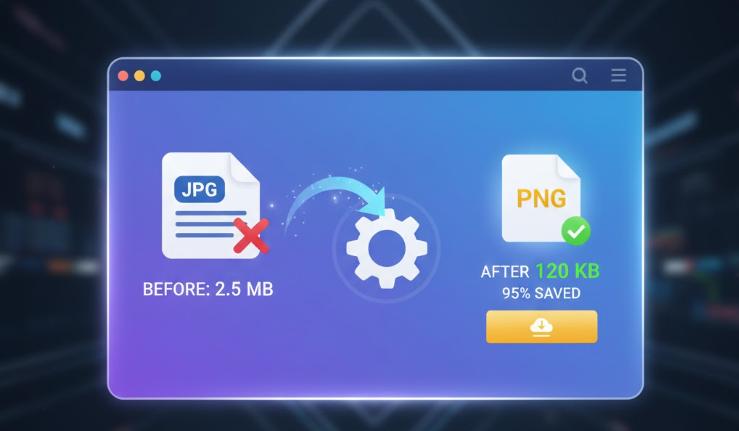
The Ultimate Free Online Image Compressor: Compress JPG, PNG, WebP for Maximum Speed
In today's competitive digital landscape, website speed is non-negotiable. Slow-loading pages hurt your SEO ranking and drive visitors away. The number one culprit? Large, unoptimized images!
Fortunately, you don't have to sacrifice image quality to achieve lightning-fast loading times. Photo Optimize offers a powerful, free, and easy-to-use **Image Compressor** tool designed to significantly reduce the size of your photos while maintaining visual fidelity.
1. Why Image Compression is Critical for SEO and Site Performance
Optimizing images is essential for three major reasons:
- Achieve Core Web Vitals (CWV): Google prioritizes fast sites. Large images directly impact your **Largest Contentful Paint (LCP)** score. Compression ensures your images load instantly.
- Boost Conversion Rates: Studies show that even a one-second delay in page load time can reduce conversions by 7%. Faster images mean happier users and more business.
- Save Bandwidth and Storage: Smaller file sizes reduce the load on your hosting server and lower data transfer costs, making your operation more efficient.
2. Key Features of the Photo Optimize Image Compressor
Our tool goes beyond basic compression, providing you with full control and advanced functionality, all completely free:
Batch Compression for Efficiency
Forget processing one file at a time. Upload hundreds of photos simultaneously. Our tool handles the optimization in bulk, delivering all your images in a single, convenient **ZIP file**.
Lossy vs. Lossless Quality Control
- Lossy Compression (Max Savings): Ideal for web pages. Reduces file size by up to 80% with minimal to zero visible degradation.
- Lossless Compression (Perfect Quality): Perfect for photographers and designers. Compresses the file by removing metadata without affecting image pixels.
- Custom Control: Use the quality slider to manually select the perfect balance between size and quality, or even choose to convert PNGs to the faster **WebP** format.
Wide Format Support
Compress all standard web image formats instantly, including **JPG, PNG, GIF, and WebP**.
3. How to Compress Your Images in 4 Simple Steps
Using the Photo Optimize Image Compressor is fast, secure, and requires no sign-up or installation:
- Upload Your Images: Drag and drop your image files onto the upload area, or click the 'Select Files' button to choose files from your device. You can upload multiple images at once.
- Choose Compression Type: Select the compression method: 'Lossy' for maximum size reduction, 'Lossless' to compress without quality loss, or 'Custom' to manually adjust quality.
- Wait for Automatic Compression: Compression begins automatically. Monitor the 'Status' column in the image list; it will show the percentage saved or 'Lossless' when complete.
- Download Your Optimized Images: Click the green 'Download' button for each image individually, or click the 'Download All' button at the bottom to get all your compressed images in a convenient zip file.
Get Started Today
Stop letting huge image files slow down your website. With Photo Optimize, you get a robust, high-performance tool that keeps your site fast, your users happy, and your SEO ranking high. The best part? It's completely free!