
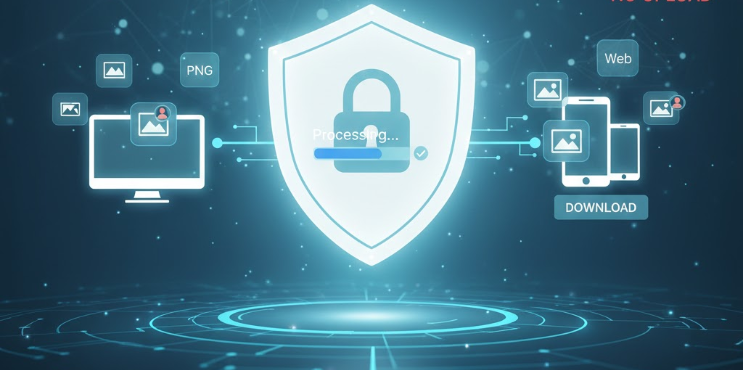
In today's digital world, we rely on online tools for everything, including converting image files like JPGs, PNGs, and WebPs. But every time you hit that "Upload" button, a small worry creeps in: Where are my personal photos going? Are they safe?
This concern is valid. Most online image converters require you to upload your files to their remote server for processing. This means your private data temporarily resides on a third-party server, raising questions about security, data handling, and potential privacy breaches.
The Game-Changer: Client-Side Conversion
We believe you shouldn't have to sacrifice privacy for convenience. That's why we use Privacy-First Photo Conversion, also known as Client-Side Processing.
What exactly does Client-Side Conversion mean?
It means your images are processed entirely within your own web browser—on your computer, phone, or tablet. The files never leave your device and are never transmitted, stored, or viewed on our servers.
Zero Uploads = 100% Privacy. This is the fundamental difference. Your private moments and proprietary work stay private. To start converting securely, visit our main converter page here.
Why Privacy-First Conversion is Superior
Beyond the obvious privacy benefits, processing files locally offers several key advantages:
| Feature | Traditional Server-Side (Upload Required) | Privacy-First (Client-Side) |
| Data Security | Files temporarily stored on a third-party server. | Files remain on your device only. |
| Conversion Speed | Depends on your upload/download speed and server load. | Instantaneous conversion speed. |
| Internet Use | Requires significant data usage for uploading large files. | Minimal internet usage; only the tool loads. |
| Confidentiality | Risk of third-party access or data logs. | Zero risk; we never see your files. |
How to Convert Your Photos Securely
Using a privacy-first converter is just as easy as using any other online tool—but with the added peace of mind.
Open the Tool: Go to the Image Converter Tool.
Select Files: Click 'Select Files' and choose your images (JPG, PNG, GIF, SVG, WebP).
Configure: Choose your target format (e.g., Convert to WebP for maximum speed) and adjust quality settings.
Convert & Download: The conversion happens almost instantly on your machine. Download your new files immediately.
You have the power to convert thousands of images without ever worrying about a data breach. Your photos are your property, and we treat them that way.
Conclusion: Take Control of Your Data
If security and privacy are important to you, stop using online tools that demand you upload your sensitive files. Switch to a privacy-first solution that puts you in control.
Start converting your images securely today, knowing that your photos are protected every step of the way.
Securely Convert Images