
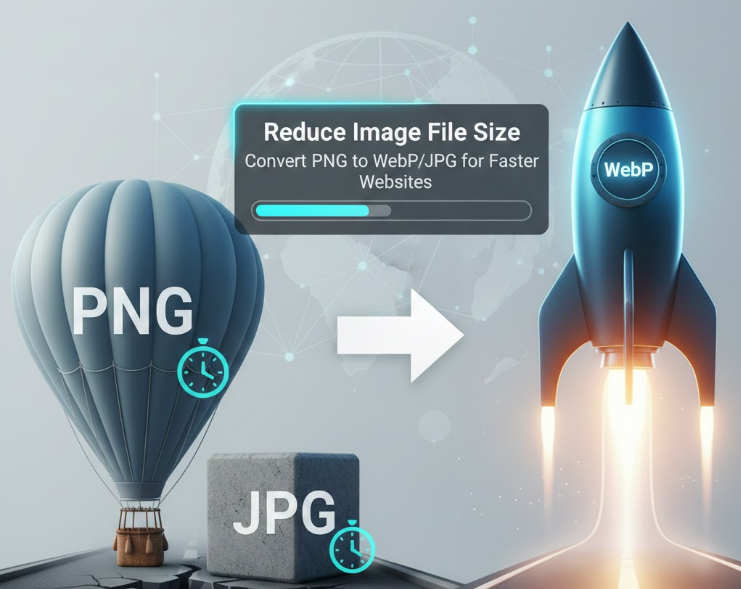
The Essential Guide to Image Conversion for Web Speed
Is your website loading slowly? The number one culprit is often oversized image files. High-quality images, especially those in the PNG format, can drastically increase page load times compared to their smaller JPG or WebP counterparts.
A fast-loading website is crucial not only for a positive user experience but also for your search engine optimization (SEO) performance and Google ranking. One of the most effective strategies to reduce file size is by choosing the right image format for the job.
| Format | Key Characteristics | When to Use It? |
| PNG | Lossless compression, supports transparency. | Logos, graphics, or images where a transparent background is essential. |
| JPG | Lossy compression, small file size, supports millions of colors. | Photographs and complex, full-color images where transparency is not needed. |
| WebP | Superior compression compared to both JPG and PNG; supports both lossy and lossless modes. | All types of web images; it is the modern standard for maximum speed. |
1. Converting from PNG to JPG
If you have photographs or complex visuals on your website that do not require a transparent background, converting the PNG to a JPG is the quickest fix.
Benefit: JPG is a "Lossy" format, meaning it discards some image data to dramatically reduce the file size. This directly translates to faster website loading.
Action: When converting, set the quality level between 70% and 85%. This range provides a huge reduction in file size while maintaining an image quality that is visually indistinguishable for most users.
2. Converting from PNG or JPG to WebP
WebP is a modern image format developed by Google, specifically designed for the web. It offers better compression capabilities than both PNG and JPG.
Benefit:
Higher Compression: For the same quality, a WebP image can be 25–34% smaller than a comparable JPG and up to 26% smaller than a PNG.
Maximum Speed: Using WebP offers the best overall performance improvement for your website's loading time.
Action: When using your converter tool, choose the Lossy mode for WebP, as this will provide the greatest file size reduction while still maintaining excellent visual quality.
🛠 How to Convert Images Quickly?
Instead of using desktop software, you can quickly accomplish these tasks using an Online Image Converter Tool (like Photo Optimize):
Upload or drag your PNG or JPG files into the converter.
Select the target format: JPG or WebP.
For WebP, select the Lossy option, or for JPG, set the Quality to 70-85%.
Download the converted files and upload them to your website.
Note: Many modern online converter tools process your files directly in your browser (client-side processing), which ensures your data privacy as nothing is ever uploaded to a server.
✅ Final Takeaway
Optimizing image size is a non-negotiable step for building a fast website. Convert your PNG files to JPG where transparency isn't needed, or better yet, adopt the WebP format for all your site's images. This simple step will significantly boost your website's speed and improve the overall user experience.