
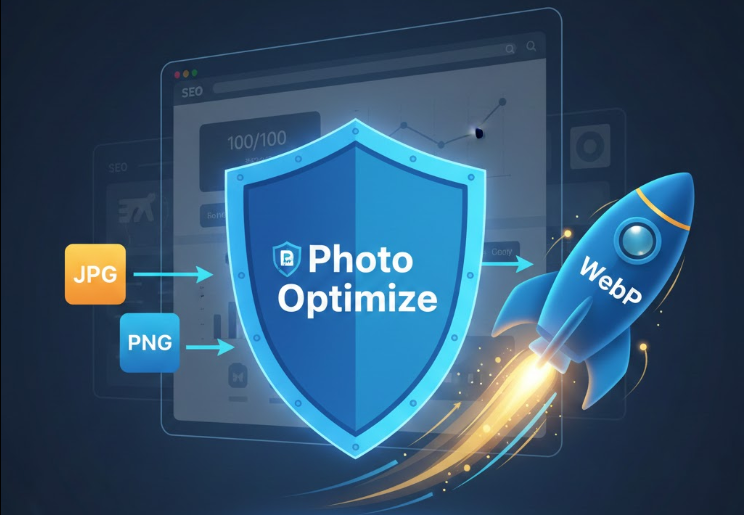
Using this powerful tool, you can transform your JPG, PNG, WebP, GIF, and other image files into your desired format within seconds, making web optimization effortless.
Why Optimizing Image Formats is Crucial for SEO?
When publishing images on digital platforms, you must address common issues that affect performance:
- Website Speed & Page Load Time: While PNG files preserve transparency, their large file size drastically slows down your website's loading speed, which is a critical factor for Google's SEO Ranking. In these cases, converting to WebP or optimized JPG is essential.
- Compatibility: Not all platforms support modern formats. Our converter ensures your images meet specific format requirements across all web and social platforms.
- Quality vs. File Size: Choosing the correct format allows you to maintain the visual quality of your image while keeping the file size minimal—the core goal of image optimization.
Key Features of Photo Optimize's Free Convert Tool:
The Photo Optimize Convert page is more than just a simple format changer; it is a complete Web Image Optimization solution designed for performance.
- Extensive Format Support: Easily convert between many formats, including popular combinations like JPG to PNG, PNG to WebP, GIF to JPG, and more.
- Best-in-Class WebP Converter: WebP is Google's modern format that stores high-quality images in a much smaller file size. Use our specialized WebP Conversion feature to make your website **lightning fast** and boost your core web vitals.
- 100% Free & Unlimited: Convert any number of images, any time, with no hidden costs or subscriptions required.
- User-Friendly Interface: Simply drag and drop your file, select the desired output format, and click 'Download'. The process is instant and intuitive.
Easy Steps to Convert Images Online:
- Go to the Photo Optimize 'Convert' page: photooptimize.com/convert.
- Drag & Drop your image files or click the 'Select Files' button to upload them.
- Choose your Target Format (e.g., JPG, PNG, WebP) from the options available under the 'Convert To' section.
- *(Optional)* If converting to a lossy format like JPG or WebP, use the Quality slider to fine-tune the output quality.
- Once the conversion is complete, click the 'Download' or 'Download All' button to save your newly formatted files.
Selecting the Best Image Format for SEO and Speed
For website owners and SEO specialists, choosing the correct image format is essential for improving Page Speed and **User Experience (UX)**. Use this guide:
| Format | When to Use? | Primary SEO Benefit |
|---|---|---|
| WebP | For all main website images (e.g., product photos, hero banners) | Maximum File Size Reduction (25-34% smaller than JPG/PNG) and significant boost to Page Speed scores. |
| JPG | For complex photographs or colorful, full-detail images | Great lossy compression for natural images, allowing for good size reduction with minimal quality loss. |
| PNG | When absolute transparency is required (e.g., logos, icons) | Perfect quality retention, but requires careful usage due to larger file size impact on load time. |
Use the Photo Optimize converter to instantly choose the best image format for your digital needs and start boosting your website's performance today!